
The production management software your workers will actually want to use.
BRAINR gives your teams software they can use instantly and confidently, reducing training time, eliminating confusion, and making your entire factory faster, clearer, and easier to manage.

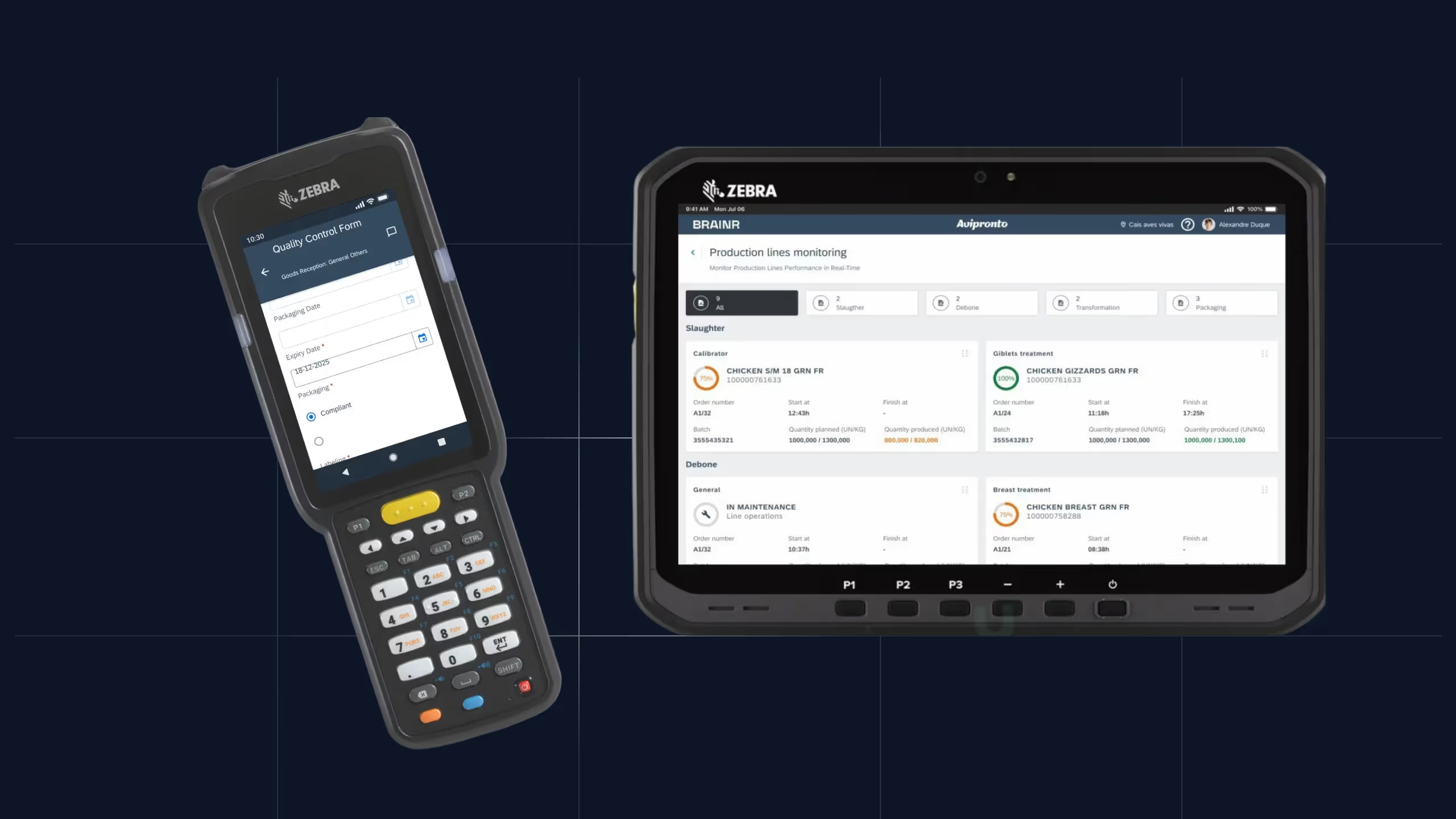

Intelligent Topfloor and Shopfloor Orchestration
Continuous experience between desktop, tablet and mobile, with responsive interface, real-time synchronization, offline modes, and multi-user orchestration between devices.
Modern, Minimalist Design with a Focus on User Autonomy
Dashboards, navigation, and visualizations adapted to each profile, for faster decisions and less learning time.
Digital Ergonomics for Industrial Environments
Interface optimized for the factory floor, with full compatibility with gloves, industrial touch screens, reduced visibility and rugged devices, ensuring fast, readable and effective use in any environment.
Additional Features
Key features of the BRAINR user experience
Touchscreen Interfaces Optimized for Use with EPIs
Interface adapted for efficient use on touch screens, even in adverse conditions
Quick Start and Immediate Use
Minimized startup time for instant access to features
Immediate Visual Feedback
Clear confirmations of each action to ensure confidence in operations
Contextual Guidance
Step-by-step guides that minimize errors and eliminate the need for extensive training
Focus on Real-Time Operational KPIs Monitoring
State indicators with high contrast for the main KPIs, by section of
Simple Navigation
All BRAINR apps follow the same intuitive navigation concept: 1. Apps Dashboard; 2. List Pages; 3. Detail pages with actions.
Why is the experience of using BRAINR different?



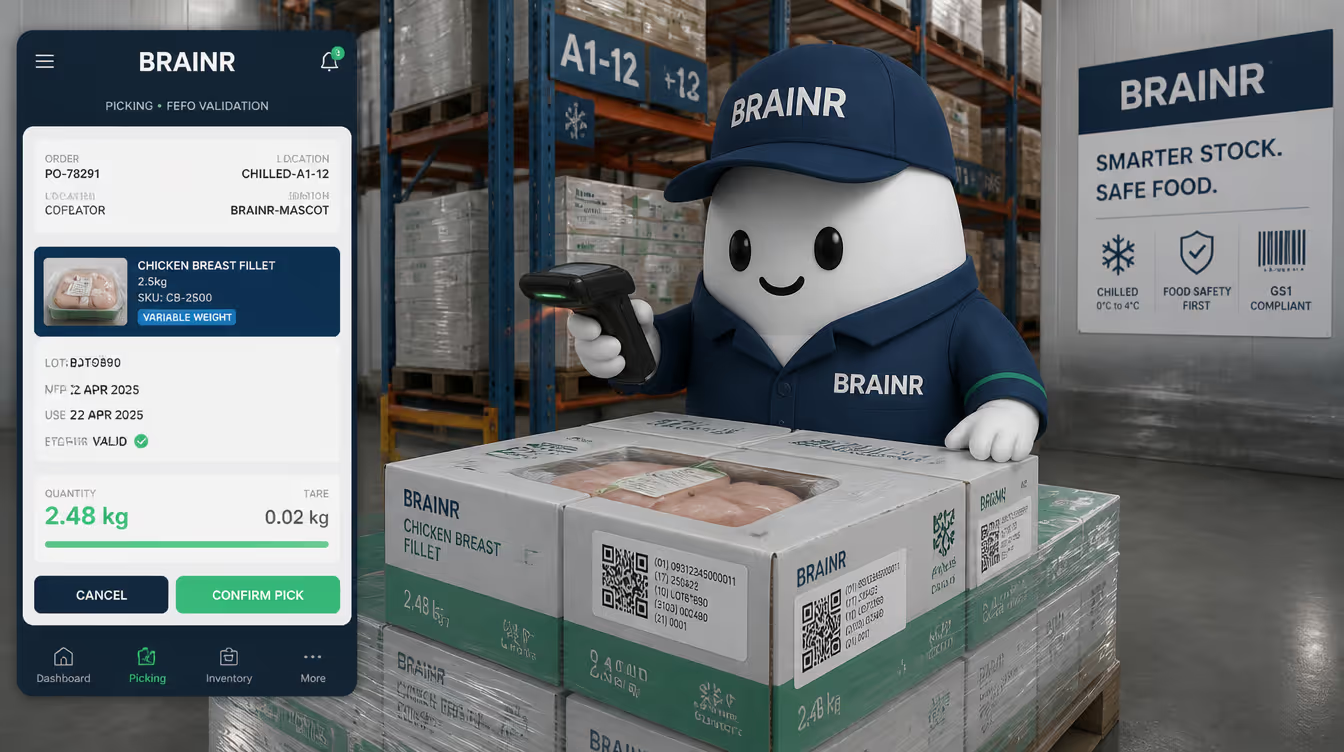
For example: in picking guns or tablet apps, buttons with an optimized size for working with the use of PPE.
The design of new features involves close proximity to real users.
The UI/UX is based on a unified multi-device Design System, and guaranteed through BRAINR's internal no-code development platform.
Quick Answers for Curious Minds

Most users become autonomous in minutes. Visual cues, simple actions, and unified logic make learning immediate.
Yes. High contrast screens, large touch areas, and glove compatibility ensure perfect usability in all environments.
No. All modules share the same navigation and interaction logic, making cross training effortless.
Yes. BRAINR works on standard Android devices, industrial tablets, and existing touch screens.
With instant visual feedback, step by step guidance, validations, and clear alerts that stop errors before they happen.
Stay Ahead with Fresh Insights
Dive into our blog for stories, lessons, and behind-the-scenes insights from real projects. It’s where we share what’s working — and what we’ve learned along the way.




We know your struggles. They once were ours.
We understand the challenges you face because we've been there too. Our journey has taught us valuable lessons that we're eager to share.